
How to install GoDaddy Certificate
Go Daddy Certificates download:
- Enter this link.
- For each certificate:
- Copy the content.
- save it with the correct name as .cer file.
How to install GoDaddy Certificate
- Transfer the certificates to the server/PC that access to the services.
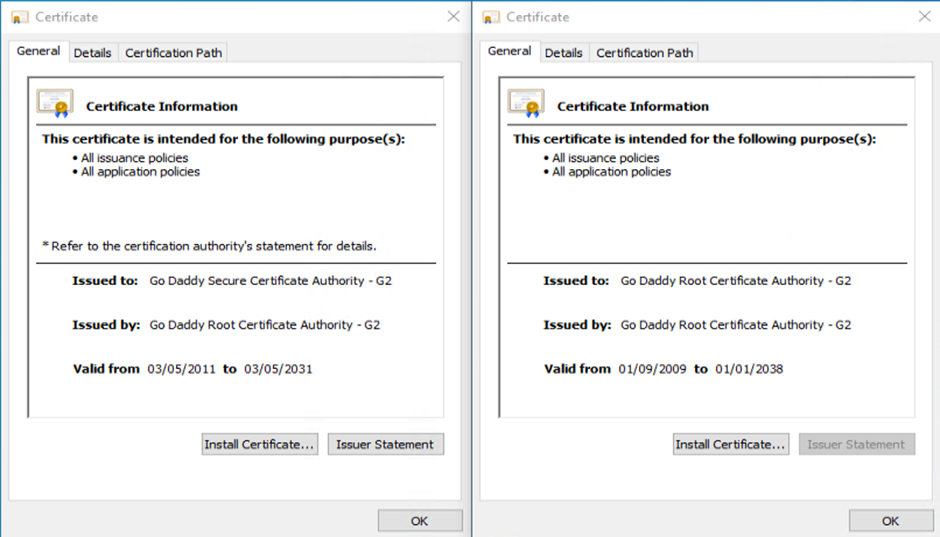
- GoDaddyIntermidiate
-
GoDaddyRoot
-
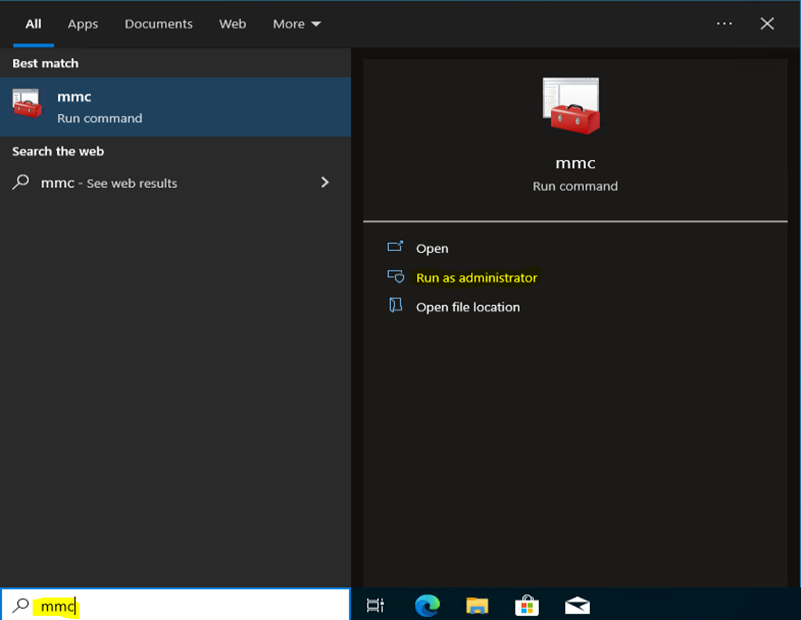
On the computer search bar type “mmc” and run as administrator (Administrator right required).
- In the opened Console window, choose File -> Add/Remove Snap-in

- In the Add or Remove Snap-ins window, under Available snap-ins, Select Certificates and press Add>

- Choose Computer account, and then press Next >

- Choose Local Computer, and then press Finish

- After the Certificates added to Selected snap-ins, Press OK

- In the opened Console window, Right Click on Trusted Root Certification Authorities -> All Tasks -> Import

- Press Next

- Browse to the GoDaddy Certificates location and open the GoDaddyRoot.cer

- Press Next

- Make sure that the certificate place in the Trusted Root Certification Authorities and press Next

- Press Finish

- The certificate is now added to the Console. The Certificate will appear in the console twice, in that case don’t remove the second and keep it as is.

-
Now we’ll do the same procedure with the GoDaddyIntermidiate certificate.
In the same console, Right click on Intermediate Certification Authorities-> All Tasks -> Import.

- Press Next

- Browse to the GoDaddy Certificates location and open the GoDaddyIntermidiate.cer

- Press Next

- Make sure that the certificate place in the Intermediate Certification Authorities and press Next

- Press Finish

- The certificate is now added to the Console

- Reboot the device and try to access to the services.